Nintendo has quite a few mobile apps now heading into 2026, and it’s easy to get lost if you don’t know what you need to navigate the House that Mario Built. It can get tricky, considering we’re up to five different apps that each do vastly different things.
So, I’m breaking down all five mobile apps below: Nintendo Today, Nintendo Switch App, Nintendo Music, Nintendo Store, and Nintendo Switch Parental Controls. I won’t go into too much detail as I just want to give a quick overview of each. But, I will include links to each of their official websites, as well as links to download them via Android and iOS.
Nintendo Today app
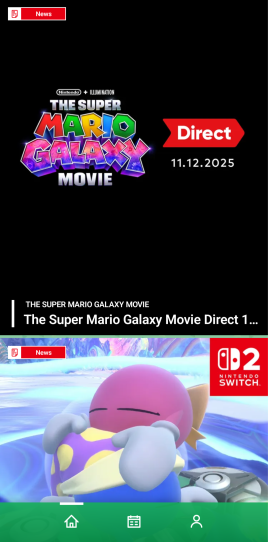
Nintendo Today is the simplest of all of the apps on this list, but it could eventually become one of the more important ones. The best way to explain it is that it’s a mixture of the kinds of simple “news” (one-paragraph info dumps about features in games) that you might find on the Nintendo Switch itself, trailers for new Nintendo-made games, and bookending with the actual hard news, such as big announcements or Nintendo Directs.
If you follow Nintendo on social media already, you’ll likely get the same big news and announcements there. But, if you’re a little more disconnected, the Nintendo Today app will help you be in the know. Plus, you can theme it however you want with Nintendo’s biggest franchises, including Animal Crossing.
Download Nintendo Today on Android and iOS.
Nintendo Switch App

The Nintendo Switch app, formerly known as the Nintendo Switch Online app, brings a surprising amount of features into such a simplistic, straightforward space. You can manage your friends or your uploaded screenshots and videos easily from the main screen.
But, where it really shines is the Game-Specific Services. Some Nintendo games have some enhanced features only found in the Nintendo Switch app, such as the Zelda Notes function for both Breath of the Wild and Tears of the Kingdom, Super Smash Bros Ultimate service, “Smash World”, or Splatoon 2 and 3‘s SplatNet services.
But, the star of the show, especially for cozy gamers, is the Animal Crossing: New Horizons NookLink, which offers a ton of functionality for the game, including exclusive items for your island.
Download the Nintendo Store app on Android and iOS.
Nintendo Music app
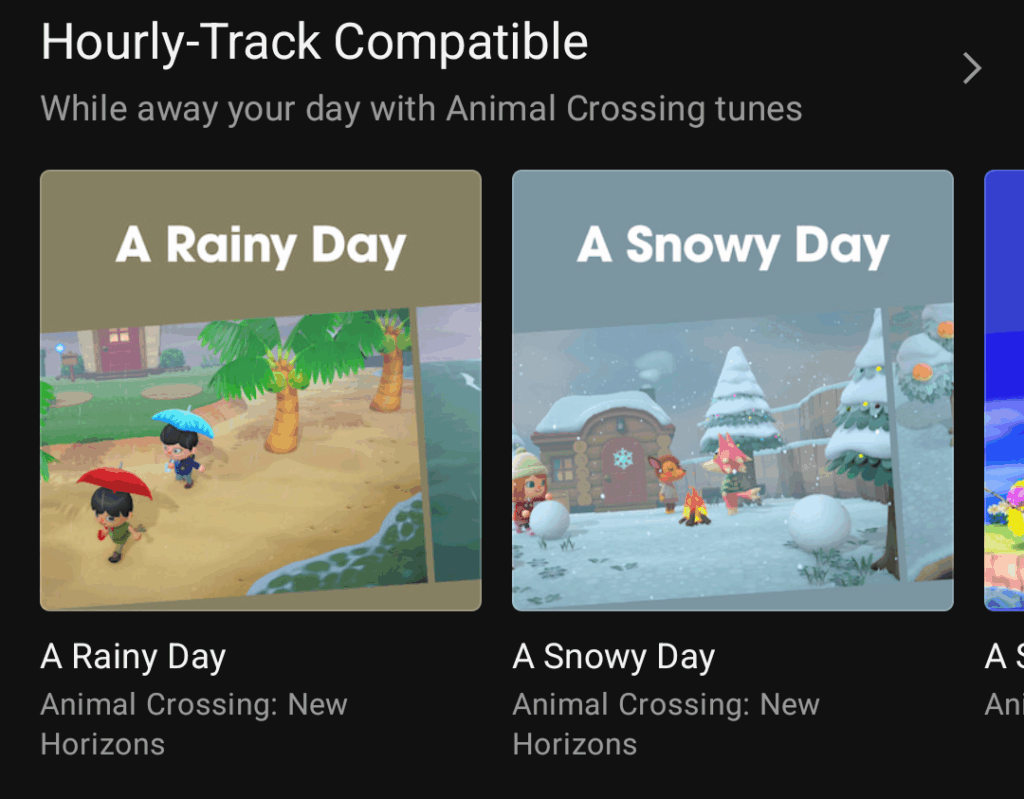
Nintendo Music is a constantly-growing, standalone music app dedicated to a massive amount of amazing music that Nintendo has produced across the past 40+ years. If you’re looking to chill with the tunes of Super Mario, Donkey Kong, or Kirby franchises, among a ton of others, you’re in for a real treat.
The only downside is that it requires a Nintendo Switch Online membership. The good news is, even the 7-day free trial works!
In addition, Nintendo recently added the Animal Crossing: New Horizons and Animal Crossing: New Leaf soundtracks to the app. With them, you can also take advantage of Hourly-Track Compatible playlists from those games that adjust the infamous background music to your clock.
Download the Nintendo Music app on Android and iOS.
Nintendo Store app
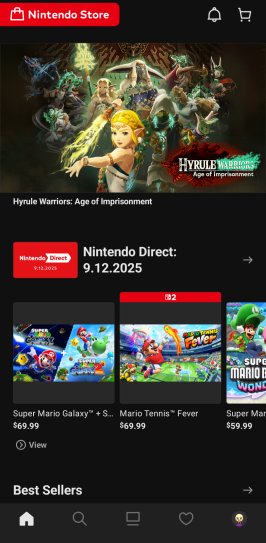
The Nintendo Store app is exactly what the name entails, but it has some additional features that make it relatively more useful. Sure, you can search for games you’re interested in checking out, but the focus is on Nintendo’s IP and featuring their games front and center.
You can also get more news functionality than you’d get from the Nintendo Today app, yet none of the news crosses over and you’d need both to get a complete story. If you want to know about specific events in the most recent Pokémon game, what icons you can get for your avatar right now, or Nintendo merchandise, the Nintendo Store app has you covered. You can even cash in your My Nintendo Platinum Points for My Nintendo rewards.
A hidden gem that you can find within the Nintendo Store app is the Play History function. It’s similar to the version you can find directly on your Nintendo Switch or Nintendo Switch 2. But, it goes all the way back to your Nintendo 3DS and Nintendo Wii U information as well!
Download the Nintendo Store app on Android and iOS.
Nintendo Switch Parental Controls mobile app
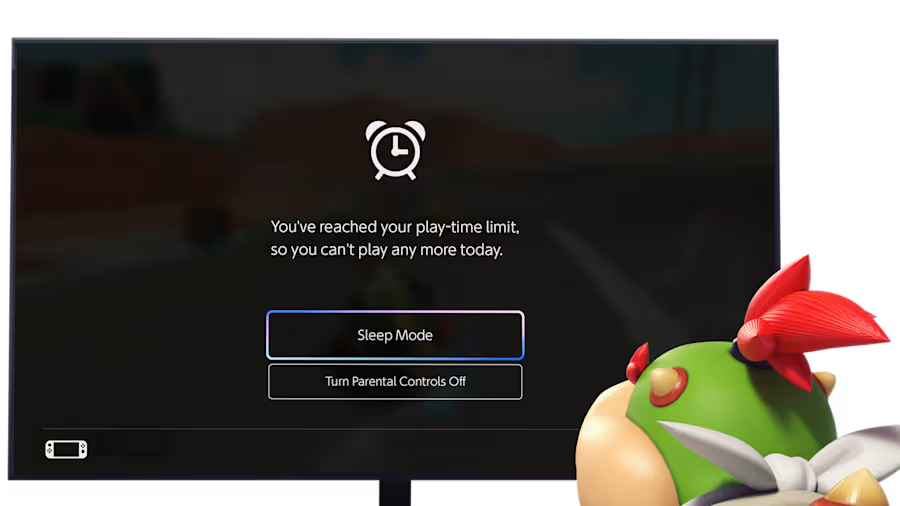
The Nintendo Switch Parental Controls app can’t be any clearer in its intention. It’s for parents who want to control what their kids are playing and for how long they play.
You can set Play-Time Limits that give alarms for your little gamers, suspend the software after a time limit has been hit, customize online features or in-game communication, and learn more about what your kids are playing to stay informed.
Download the Nintendo Switch Parental Controls app on Android and iOS.
While there are a good handful of games made or published by Nintendo on mobile as well, such as Super Mario Run or the fantastic Animal Crossing Pocket Camp Complete, these five are the main core mobile apps to know about when figuring out what apps you need to download to your phone.