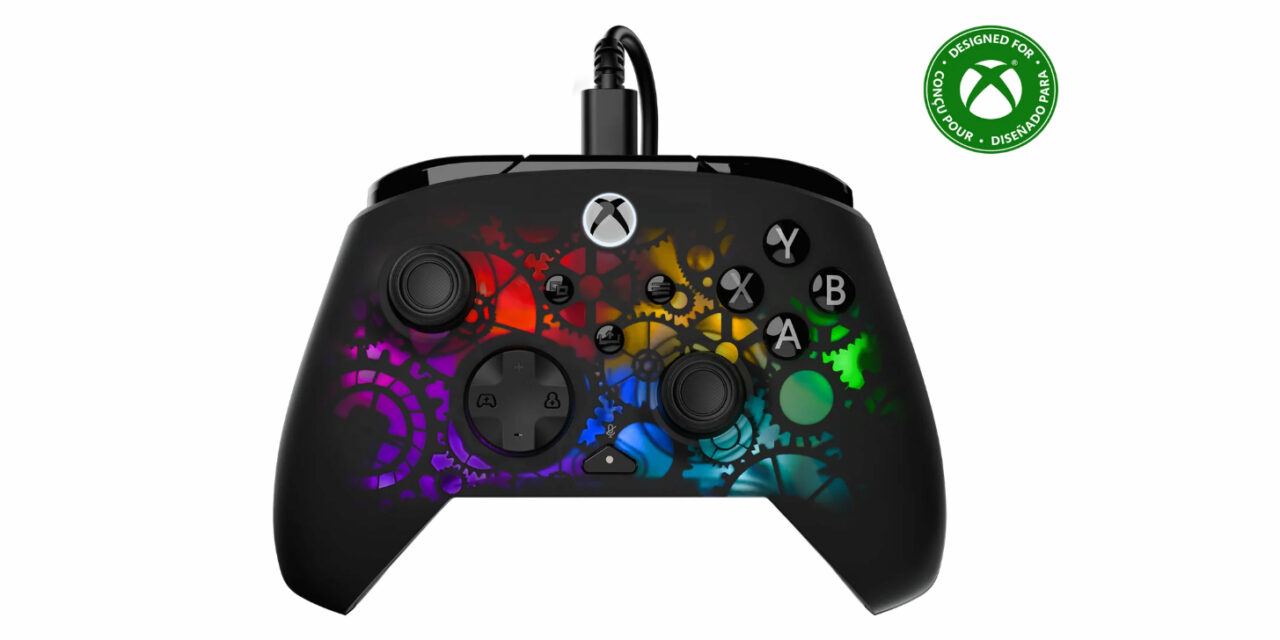
| Quick Verdict: If you’re on a budget, the Turtle Beach PDP Afterglow Ignite Wired Controller is a great alternative to the more expensive options available, especially if you don’t need wireless. But, the lack of grip could make this Time Machine lost to history. |
| Brand: | Turtle Beach / PDP |
| Product: | Afterglow Ignite Wired Controller – Time Machine |
| Review Score: | 7 |
| Cozy Score: | 7 |
| Pros: | RGB colors on a clockwork design, easy setup, lightweight, programmable back buttons, works great |
| Cons: | Not enough friction to the touch (too smooth), hard to grip, can be too light for someone needing something solid in their hands |
| Price: | $49.99 |
When you design a controller, there are a lot of things you have to look at to make it perfect. Sure, it can look nice, have some cool gamer LEDs in it, and it needs all of the minimal functions that an official Xbox controller offers.
But it has to be comfortable in your hands as well. The Turtle Beach PDP Afterglow Ignite Wired Controller hits quite a few of those marks, but where are its strengths and weaknesses?
What’s in the box?
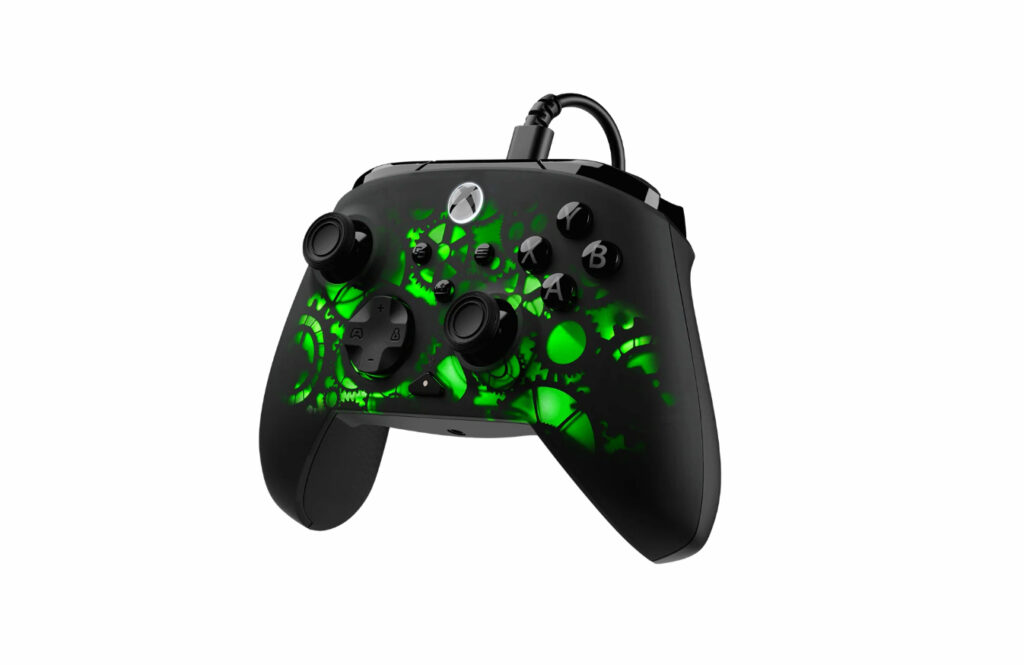
In the box, you can expect the wired controller and a 10-foot USB-C cable. If you’re looking for anything special aside from that, keep in mind that you just got yourself a $49.99 controller in a world where official ones are at least $64.99.
If you’re looking for more items in the box for whatever reason, you just won’t find them here.
Set up and use
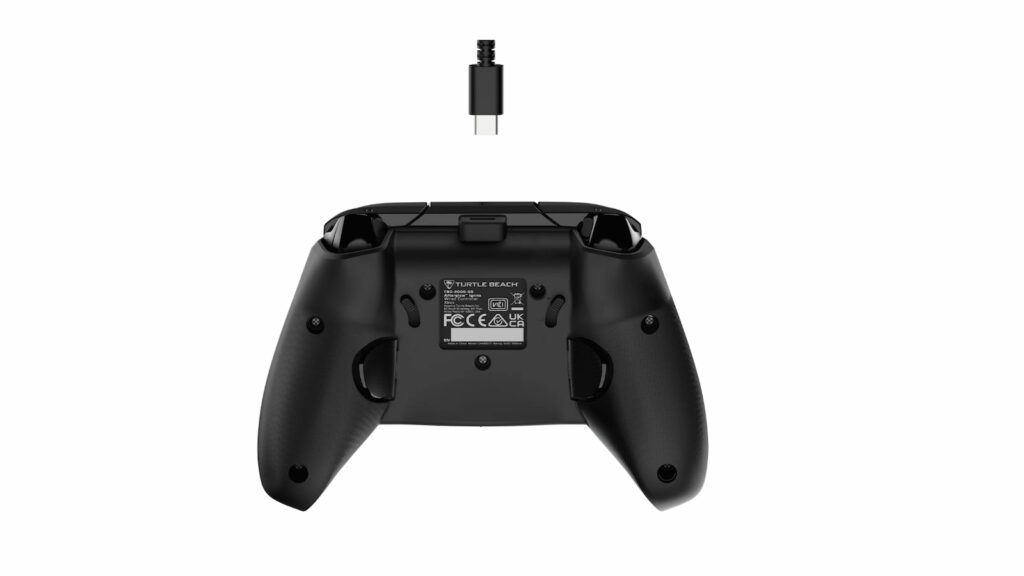
Since Turtle Beach has taken over PDP, they now put all of their branding on the product and box. But, despite that, they still utilize what they call the Turtle Beach – PDP Control Hub. They just haven’t found a way to unify everything just yet and it’s clear this is the awkward stage where they’re still trying to figure that out.
Alas, the “Turtle Beach – PDP Control Hub” works perfectly fine. I just wish that I didn’t need so many applications to update or customize each of their peripherals, such as the Turtle Beach Swarm II (the second one after ROCCAT’s old Swarm), Victrix Control Hub, and the very similarly named Turtle Beach Control Center 2 (which is the second one of that specific type). I have all of them on my computer and it’s hard to figure out which peripheral needs what program.
But, the PDP Control Hub offers a great assortment of options to customize, such as remapping of buttons (including the back buttons that are on the Afterglow Ignite Controller), trigger and stick dead zones, audio settings if you choose to plug a mic into the bottom of it, vibration controls, and tons of customization for the RGB settings.
For the price point, that’s actually quite a bit of customization and the “Time Machine” aesthetic, which feels very Steampunk, is actually really cool. So, I have no complaints there.
And since this is a wired Xbox controller, plugging it in automatically makes it work on both PC or Xbox. So, if you’re looking for ease of use to get you going immediately, you can’t get any faster or easier.
Is the Turtle Beach PDP Afterglow Ignite Wired Controller cozy?
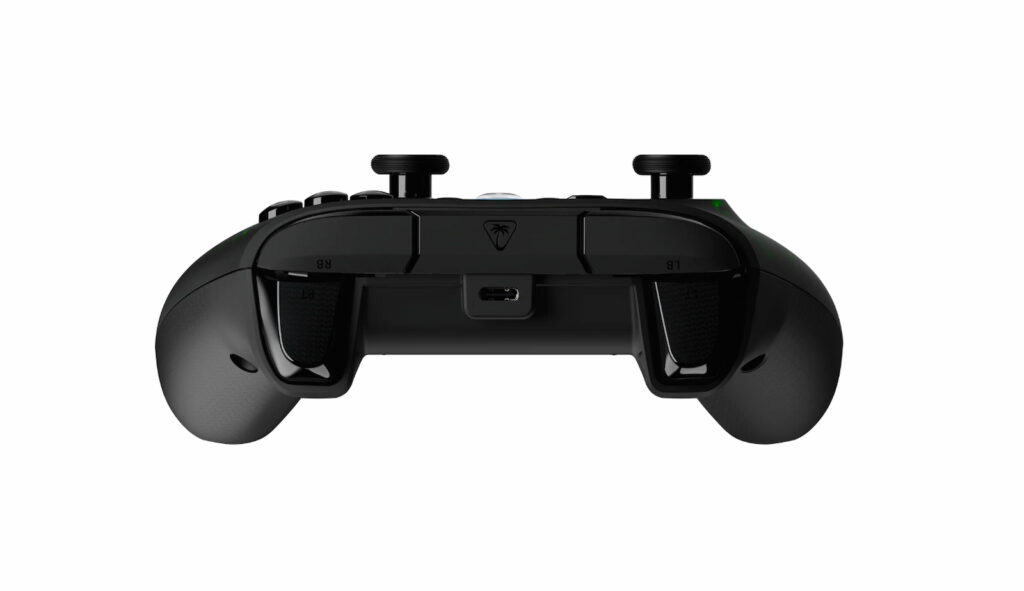
Not only do you want something ergonomic for comfort, but I have carpal tunnel and shakes, which means I need something with a little heft and a good grip.
As for the ergonomics, the Afterglow Ignite a nice standardized shape and size. So, it’s going to feel right at home sitting next to an official Xbox controller.
The Afterglow Ignite controller is slightly more hefty without going overboard, which is better than some super-lightweight controllers offer. I just wish it were a tad heavier, like the old wired Turtle Beach Recon controllers were. Those were just the right amount of heft and are still, by far, among the best options Turtle Beach has ever offered. Holding this in my hand at the same time as a Recon is like night and day.
My main qualm, however, is with the lack of friction on my hands while holding the controller. It’s too smooth and that’s not great for my grip, especially bundled with the lack of weight.
The back of the Afterglow Ignite controller has a tiny amount of texture, but that isn’t enough to keep my hands from sliding around. The front of the controller is so smooth and soft that there’s nothing to latch onto.
As the carpal tunnel requires my hand to keep a specific grip, constant movement means that the controller just isn’t viable for someone like me. So, keep that in mind when considering this over other controller options at a similar price range.
Final verdict
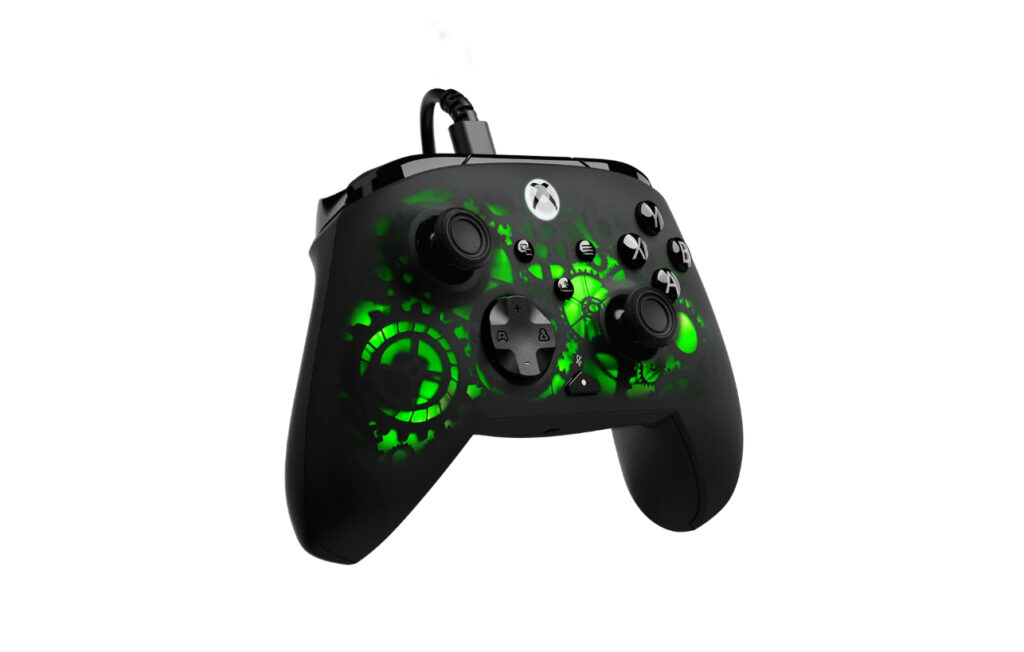
Honestly, the Afterglow Ignite controller is perfectly fine for most people and I’m probably a special case scenario when it comes to my needs and grip. But, knowing there are a lot of folks who would appreciate knowing the reality of how well it can be held, it’s definitely something to think about.
I do recommend the Turtle Beach Afterglow Ignite controller for the price, even though it just isn’t for me. You can grab it on Turtle Beach’s website for $49.99.
If you’re looking for some amazing controllers, however, check out my review on the Victrix Pro BFG controller or the Stealth Pivot, both also by Turtle Beach. Both are great options for a modern gamer and got high ratings from me.