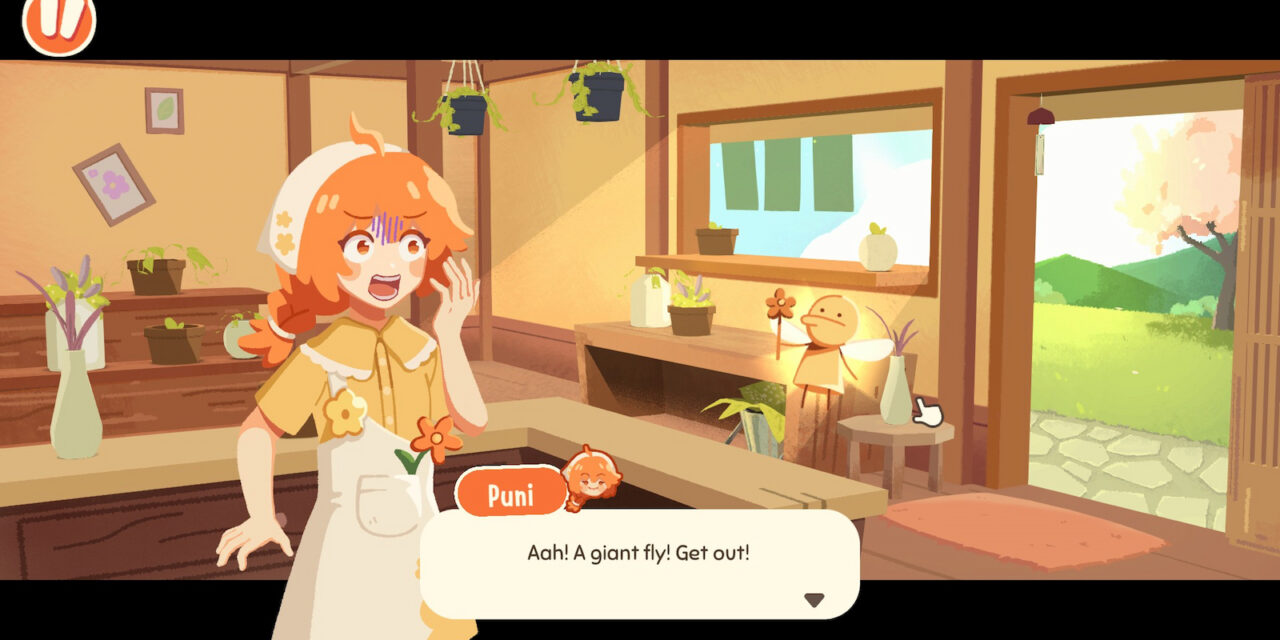
Puni the Florist is a flower shop simulation where you are bestowed a flower shop by a giant fly fairy. It’s not what you asked for, nor is it what you majored in, but it’s yours now! Apparently, there are no take-backsies in the rules of big-headed bugs fairies.
The only thing to do is roll with the punches and assist customers who come in asking for specific requests. You’ll get the more generic orders, like wanting predominantly hydrangeas or cool-toned flowers. But you’ll also get the more absurd, like being asked to craft a dinosaur bouquet that you can name. Obviously, I named mine Fleurassic. We always go for the low-hanging puns in these parts.
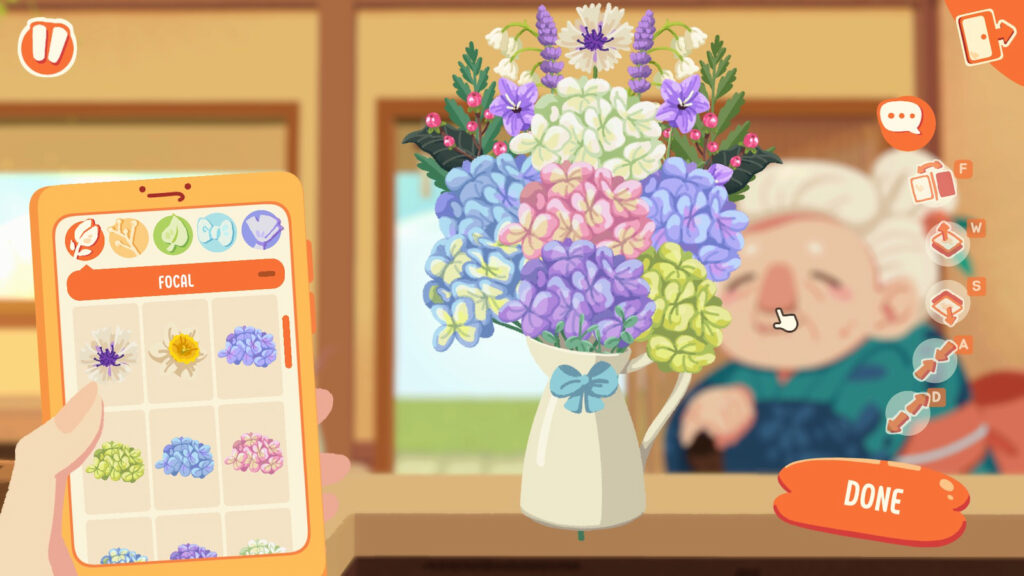
Across four customer requests, you’ll let your creativity sing as you put in flowers and fillers, even going so far as to choose decorations like ribbons or the wrapping. After completing a successful order, you’ll be rewarded with more goodies to decorate with.
When crafting a bouquet, you’ll be able to cut leaves and bend the main flowers. Unfortunately, you can’t trim or bend filler objects and that’s the one major con I have with this setup. You really feel the rigidity in the rest of the assortment when the main flowers give you so much freedom.
While you can flip which way things face, make things smaller or larger, and move the placement either forward or backward in an arrangement, you’re going to wish you could snip a bit here or bend something there. Likewise, you have no ability to cut stems. So, if you’re trying to build a rounded out bouquet, you’re going to have to get comfortable with seeing odds and ends sticking out every which way.
If you’re particular about everything looking like it’s all safely tucked into the wrapping, you’re going to end up with filler that creates a more rectangular shape.
Watch the trailer for Puni the Florist!
An additional issue I had was that it was kind of hard to grab the flower you’re looking for. I can’t even really blame it on the layering because it almost seems like it targets the bigger flower instead. I had a small flower overlayed on top of a hydrangea, and every single time, I had to pull the hydrangea out of formation to grab the small flower to move it. Maybe a little window that shows the layers would alleviate that issue, because it was a bit frustrating to tear apart bits of the work to move something.
The demo is only the crafting element, but it does have a travel option that will be available in the full build. Unfortunately, I can’t glean from the Steam page what that function will serve. My best guess is that you might be able to interact with people outside of them coming into your shop with requests.
Overall, Puni the Florist is exceedingly charming and funny. It’s going to be a fun game to dive into. But, if we could have just a bit more freedom to snip and bend, it would take something that’s just good and push it into the realm of amazing.
If you’d like to experience the silliness and fun of Puni the Florist, head over to the Steam page and try out the demo. If you like what you see, go ahead and wishlist the game, as that really helps out the developer! While you’re here, check out our latest Cozy Games Today to see what new games have come out that you can go ahead and add to your gaming library.