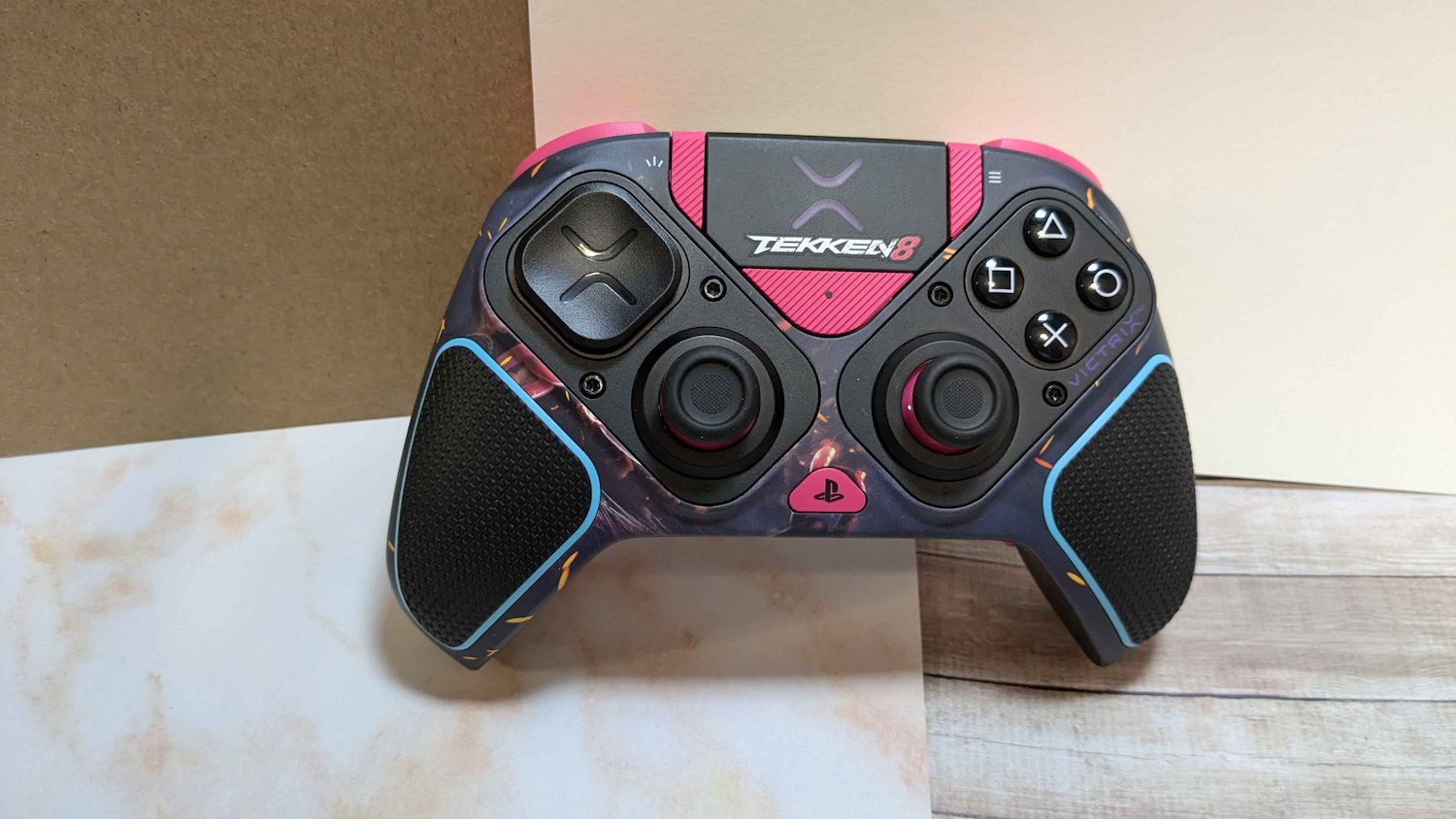
If you’re here, you’re looking for an easy fix for the Turtle Beach PDP Victrix Pro BFG Reloaded Wireless Modular Controller (or the older Victrix Pro BFG) calibration issues, jumping left trigger, or analog sticks not working at all.
While it’s possible that it has to do with the Victrix Control Hub update or the Hall Effect modules, it’s unknown currently. But, first thing you should do is head to the Victrix Control Hub on your PC. If you do not yet have it, you can get it on the Microsoft Store.
Once you have the Victrix Control Hub on your PC, plug in your controller or turn it on in wireless mode. The slider on the back is for wireless or wired modes. Check for an update on both your dongle and your controller. Your Victrix Pro BFG (or Victrix Pro BFG Reloaded) needs to be in wired mode to update.
From there, if you want to test and calibrate from the app, it may or may not work. This guide is for users who cannot get the Victrix Control Hub to calibrate or test properly.
If you are using the Hall Effect modules, you need to have both installed into the controller at the same time. If you’re using the original Victrix Pro BFG, these are a separate purchase. But, if you’re using a Victrix Pro BFG Reloaded, these are the modules included with the controller.
How to fix the Victrix Pro BFG controller and recalibration issues:
From there, follow the steps below:
- Please make sure your triggers are set to full motion and the trigger stops are not activated.
- Unplug the USB-Cable from your Controller and make sure the wired/wireless toggle on the back is set to “wired”.
- Make sure your PC or Console is powered on and plug the USB-Cable into your PC or Console.
- Hold the DOWN button on your D-Pad
- Plug the smaller end (USB-C) of the USB-Cable into your controller.
- You should now see 2 LEDs light up and blink rapidly, one above the Home Button and one on the function button. The function Button is located at the right Analog Stick, just below the giant Victrix “X” in the middle of the controller.
- You can now let go the DOWN button on your D-Pad.
- Press A on the controller.
- The LED lights will power off.
- Fully rotate both joysticks in a complete clockwise motion 3 times and pull each trigger fully 3 times (LT and RT)
- Press DOWN on the directional pad (D-Pad) again to finish the calibration
Thanks to Reddit user u/JumbledThought for getting a full answer from PDP / Turtle Beach, which is slightly different than the versions found in a lot of YouTube videos that don’t work. This solution solves both the trigger issues with Hall Effect modules, as well as if your analog sticks stop working altogether. I have personally tested on both the Victrix Pro BFG and the Victrix Pro BFG Reloaded and it solved the issues in both cases.
You should check out my review of the PDP Victrix Pro BFG Tekken 8 Rage Art Edition game controller, which works nearly identically to the newer Victrix Pro BFG Reloaded.